








What is Businesses in ChatGPT and the Business Hub?
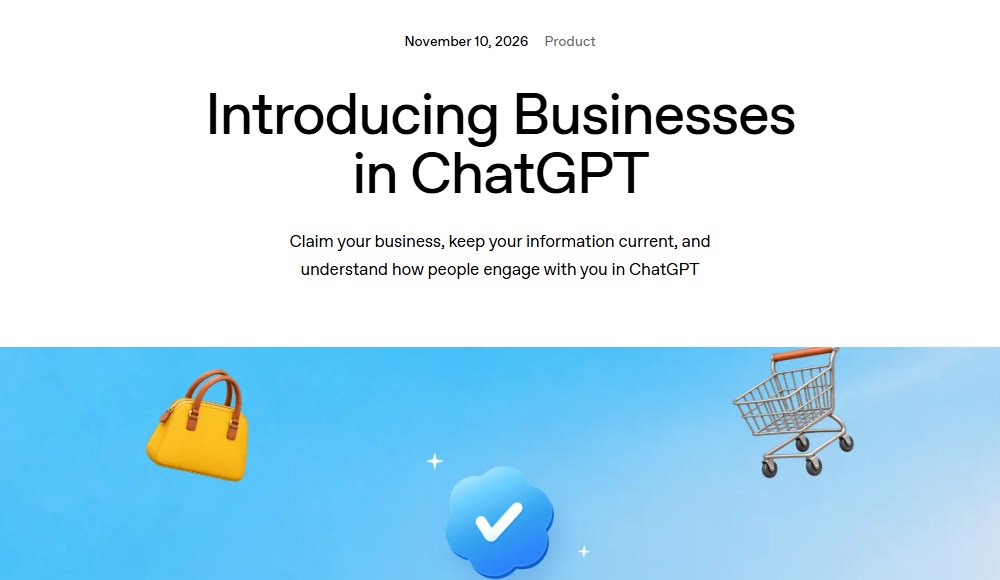
Businesses in ChatGPT is OpenAI's program for business owners, launched in beta on November 10, 2026. Business Hub is where you use it: you claim your business, keep its details current and see how people engage with it in ChatGPT. OpenAI says 1.2 billion people use ChatGPT each week.
When a business appears in a ChatGPT answer, people can click through to its ChatGPT profile, and claiming lets you correct and fill in that profile. It is OpenAI's own system, separate from Google Business Profile, Apple Maps and Bing Places.
What Business Hub does, and who gets each part
| Part | What it does | Who can use it |
|---|---|---|
| Claim and verify | Proves you own or represent the business | Eligible businesses; local stores and restaurants only on existing US listings |
| Business information | Website, description, category, logo, policies, cover photo | After claim and Persona approval |
| Product feed | Products with pricing and availability | Verified businesses |
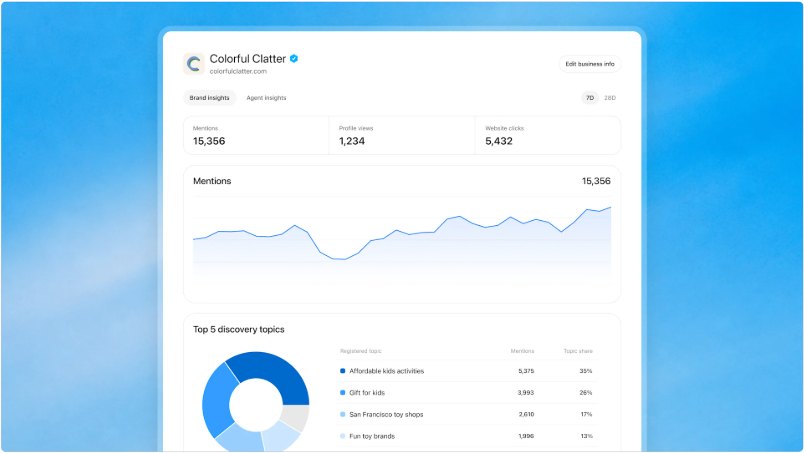
| Insights | Mentions, website clicks, discovery topics, past 28 days | Verified businesses |
| Business agent | A chat agent opened from your profile | Eligible US ecommerce and online service businesses |
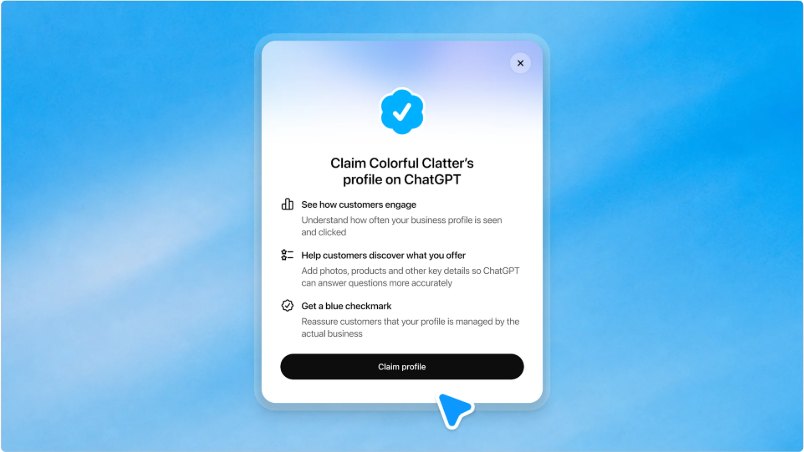
| Blue check | Shows the business manages the profile | After Persona approval |
From OpenAI's announcement and help article, read November 21, 2026. Business Hub is a beta, so limits may change.
Who can claim a business in ChatGPT?
Anyone who owns the business or is authorized to represent it, with no ChatGPT Ads account or Enterprise agreement needed. OpenAI says availability depends on the business's location and type.
Local stores versus online businesses
- Local stores and restaurants can currently claim only an existing US listing. If ChatGPT has no listing for your location, there is nothing to claim yet.
- Online businesses that cannot find themselves in the search may see an option to add the business.
- Several brands or locations get one profile per distinct brand. There is no parent profile, and under a managed claim process location profiles stay locked by default. A locked listing shows a "Contact support" option.
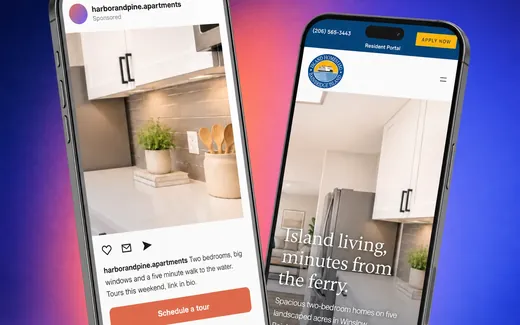
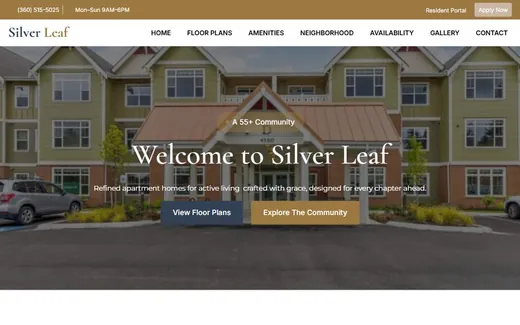
A property management company with several apartment communities should expect to check each community's listing separately.
Free checks from Kihan Marketing
Start with the listing audit if you are about to claim your ChatGPT profile.
How do you claim your business in ChatGPT, step by step?
- Open Business Hub. Sign in to ChatGPT with your own account and open Business Hub from the sidebar.
- Find your business. Search for it and select the matching listing.
- Verify the claim. Choose one of the methods offered. They vary by listing and may include your business phone, business email, website domain or Shopify store.
- Wait for claim approval. OpenAI reviews the claim and emails its decision or a request for more information. Submitting a claim does not give you access on its own.
- Complete the Persona identity check. Use your legal business name exactly as on your registration documents. You may be asked for a government ID, registration details and proof you are authorized. To do it later, select "Complete verification with Persona" in your business overview.
- Wait for verification approval. OpenAI emails the decision.
- Edit your details. OpenAI reviews changes before they publish, and updates can take time to show in answers.
The four ways to verify a ChatGPT business claim
| Method | How it works |
|---|---|
| Business phone | Select "Business phone", choose a text message or an automated call, request the code and enter it. |
| Business email | Enter the code sent to the email address associated with your business. |
| Website domain | Add the TXT record shown in ChatGPT to your domain's DNS, copying type, host and value exactly, then select "Verify domain". |
| Shopify store | Use the ChatGPT app in your Shopify admin, or select "Shopify store", then "Connect Shopify" in Business Hub. |
From OpenAI's help article. Which methods you see depends on the listing.
What if someone else already claimed your business?
Dispute the ownership in Business Hub and follow the prompts to prove with Persona that you are authorized to represent the business. OpenAI says neither a claim nor a dispute changes how visible the profile is in ChatGPT.
Check your listings before you verifyPersona asks that your legal name, address and registration number match official records, so we check your Google, Apple, Bing and ChatGPT listings and list every mismatch.What can you edit in your ChatGPT business profile?
After both approvals you can update your website, description, product or service category, logo, and delivery and return policies, and add a cover photo. You can also connect a product feed by CSV upload or hosted URL; Shopify merchants can use their existing catalog.
OpenAI's help article does not list hours, phone number, address or service area among the editable fields. So the hours and location ChatGPT already holds come from elsewhere, and every listing it might read still matters.
What do Business Hub insights show?
Insights cover the past 28 days, in aggregate, and need an approved Persona check.
- Mentions. For a local business, a mention counts when ChatGPT shows a result for your location. For an online business, ChatGPT must reference your website; naming the brand alone does not count.
- Website clicks. How often people click through to your site from ChatGPT.
- Discovery topics. Common themes across the answers that mentioned your business. You never see individual prompts or conversations.
A blank insight does not mean nobody asked. OpenAI says it can mean the reporting threshold was not reached, data is still being collected, or reporting is unavailable.
What are business agents and the blue checkmark?
A business agent is an optional chat agent people can open from your profile, labeled and kept separate from ChatGPT's own answers. It explains products and policies and links to your website, but cannot complete purchases, make bookings or look up orders. Businesses can sponsor their agent and use it as a ChatGPT Ads destination.
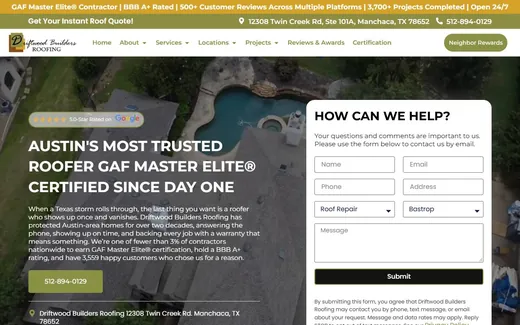
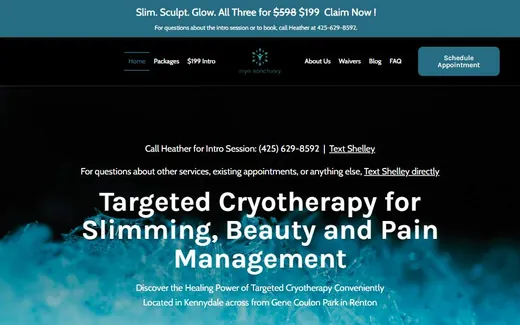
Agents are limited to eligible US ecommerce and online service businesses with a website, after both approvals. A roofer, med spa or apartment community should check OpenAI's eligible categories before planning around one.
The blue check appears after the Persona check is approved; claiming alone does not add it. Search Engine Roundtable reported that hovering over it says OpenAI verified the profile is managed by an owner or authorized representative.
What does claiming your business in ChatGPT not do?
Is ChatGPT's Business Hub the same as Google Business Profile?
No. Business Hub is OpenAI's own system, and neither OpenAI's announcement nor its help article mentions Google Business Profile or importing from any listing service other than Shopify. OpenAI has not said that ChatGPT hosts or imports your Google Business Profile.
ChatGPT has shown local business panels since about December 2025, as reported by Search Engine Roundtable, where Greg Sterling of Near Media said they are "dynamically generated using first and third party data sources". One user reported that changing his website address in Google Business Profile updated his ChatGPT panel almost at once. That is one anecdote, not proof that ChatGPT reads Google's listings.
The AI that manages a Google Business Profile is Google's Gemini. Google's help page says the Gemini web app can edit hours and contact details, draft review replies, create posts and show performance, for owners or managers of one verified profile on a personal Google Account; Google says Workspace access is rolling out.
What should a local business do this week?
Claiming fixes your profile. Being named in answers depends on what the rest of the web says: the work of ChatGPT optimization and local SEO.
Get the free listing auditWe compare your Google, Apple, Bing and ChatGPT listings with your website and send you every missing or mismatched fact to fix.Questions about claiming your business in ChatGPT
How do I add my business to ChatGPT?
Sign in to ChatGPT, open Business Hub from the sidebar and search for your business, then claim and verify it. Local stores and restaurants can currently claim only an existing US listing. Eligible online businesses that are not listed may see an option to add one.
Is it free to claim my business on ChatGPT?
OpenAI's help article names no fee and says you need neither a ChatGPT Ads account nor an Enterprise agreement to claim. Advertising is separate from claiming.
Will claiming make ChatGPT recommend my business more?
No. OpenAI says claiming does not guarantee more visibility, and advertising does not influence ChatGPT's independent answers. Claiming lets you correct your profile and see insights.
Does ChatGPT use my Google Business Profile?
OpenAI has not said so, and Business Hub mentions no import from Google. ChatGPT's local panels are reported to use first and third party data, so keep your facts identical on Google, Apple, Bing, Yelp and your website.
Can I manage several locations in one ChatGPT account?
Not as one parent profile. Each distinct brand has its own profile, and under a managed claim process individual location profiles stay locked by default.
Why are my ChatGPT business insights blank?
OpenAI says a blank insight does not necessarily mean zero activity: the threshold may not be met, data may still be collecting, or reporting may be unavailable. Insights also need an approved Persona check.